 xX_ProBuilder_Xx✓
12.4K followers
xX_ProBuilder_Xx✓
12.4K followers
★★★★★
"bro this made my baseplate look like a full movie set. installed in like 30 seconds and my brookhaven car looks INSANE"
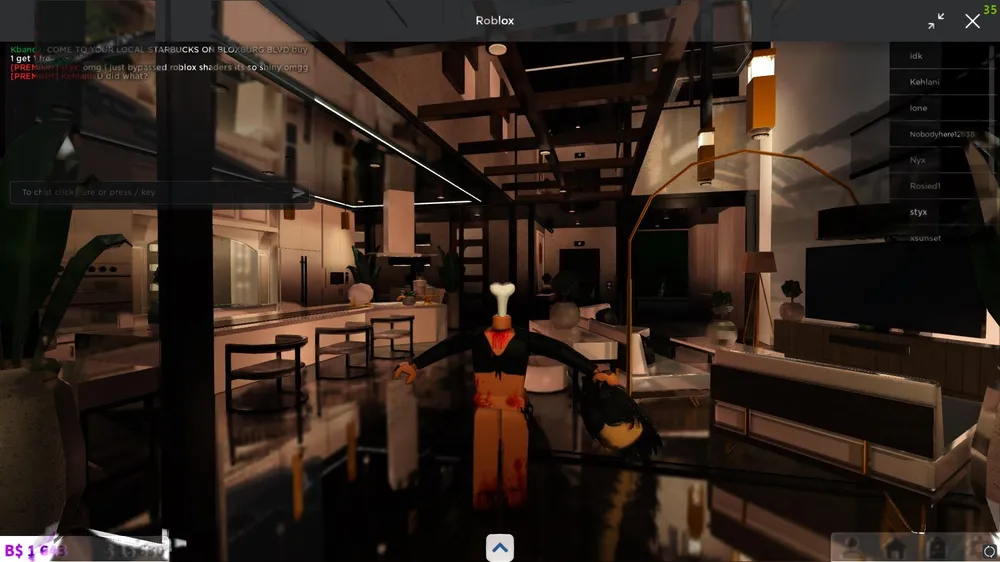
Bloom · Fog · Shadows · Depth of Field. Set it up once — better visuals in every game.
Stock Roblox lighting on the left, the shader overlay on the right.
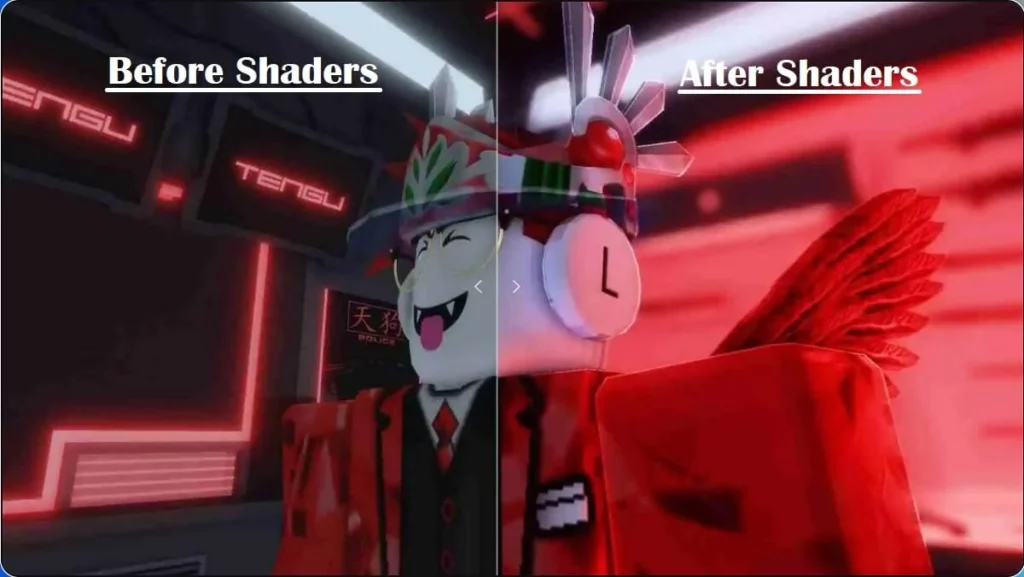
Slide through real captures from the shader editor.
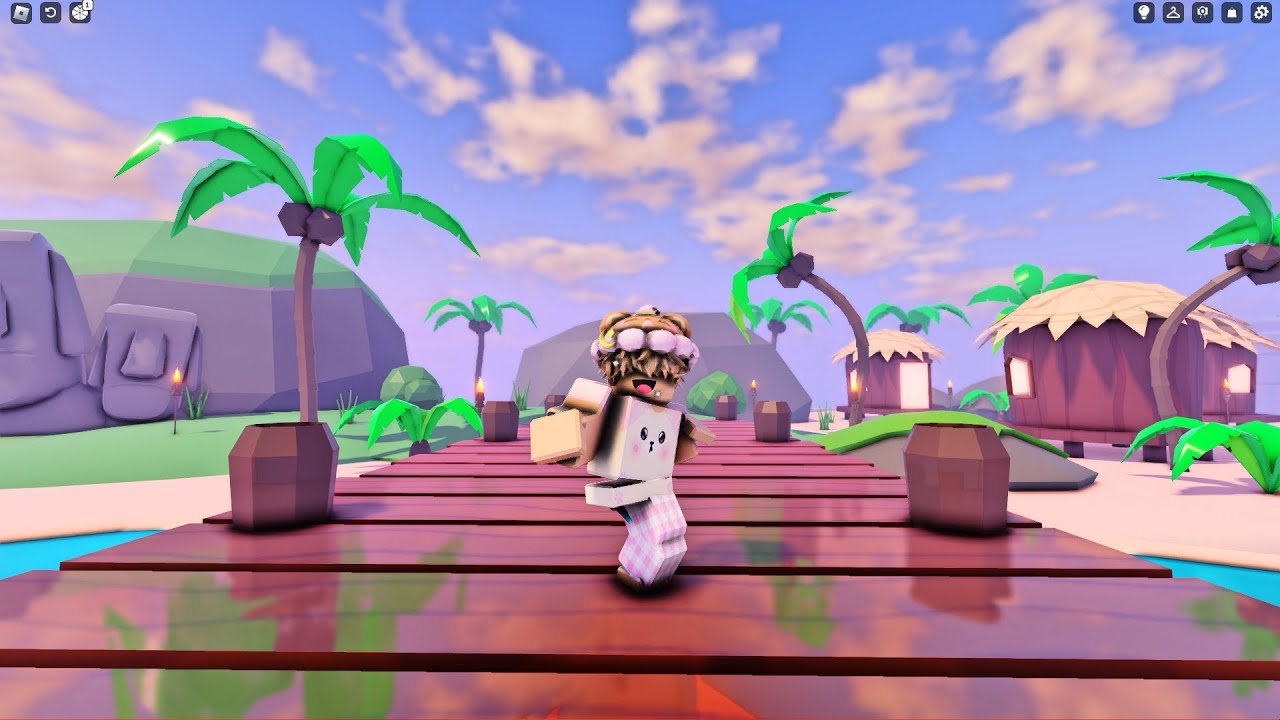
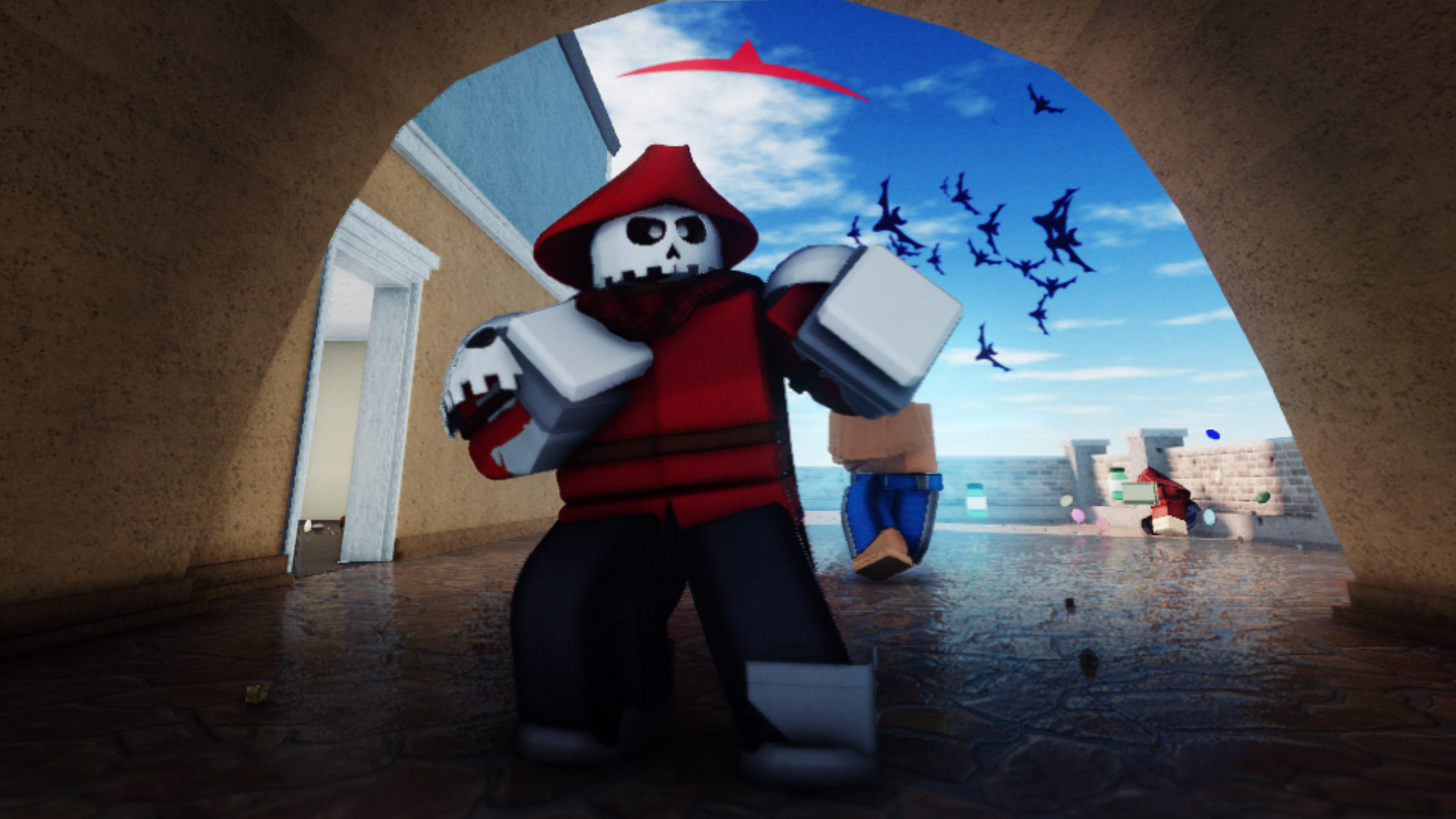
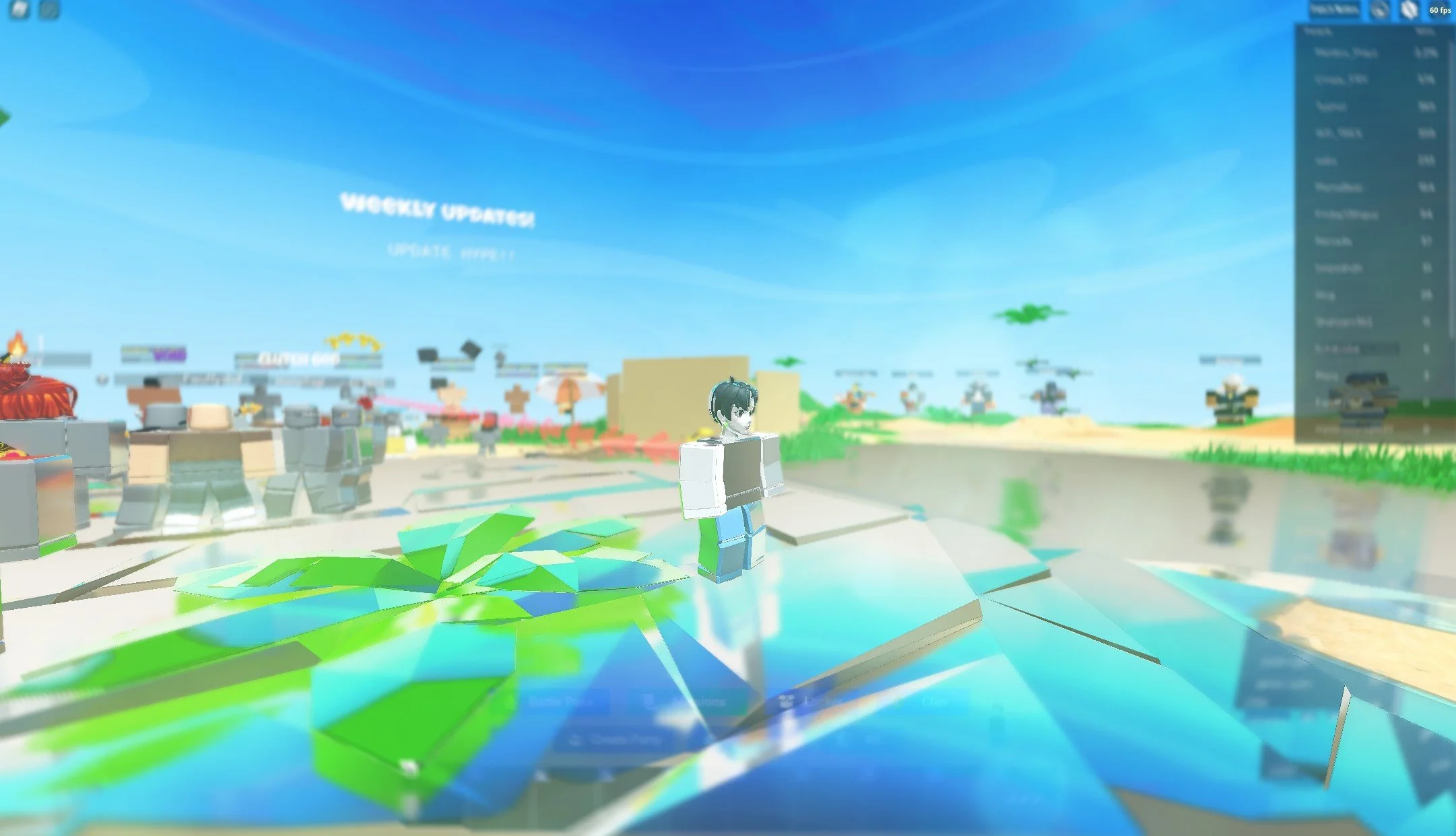
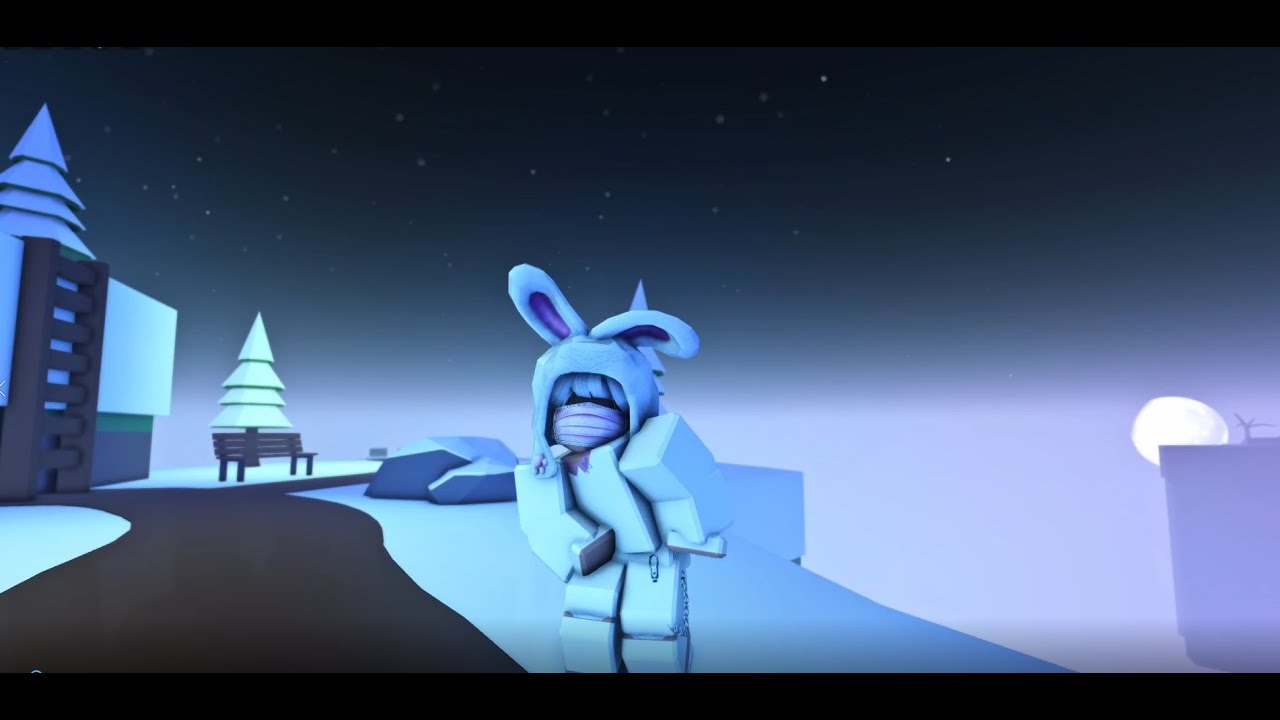
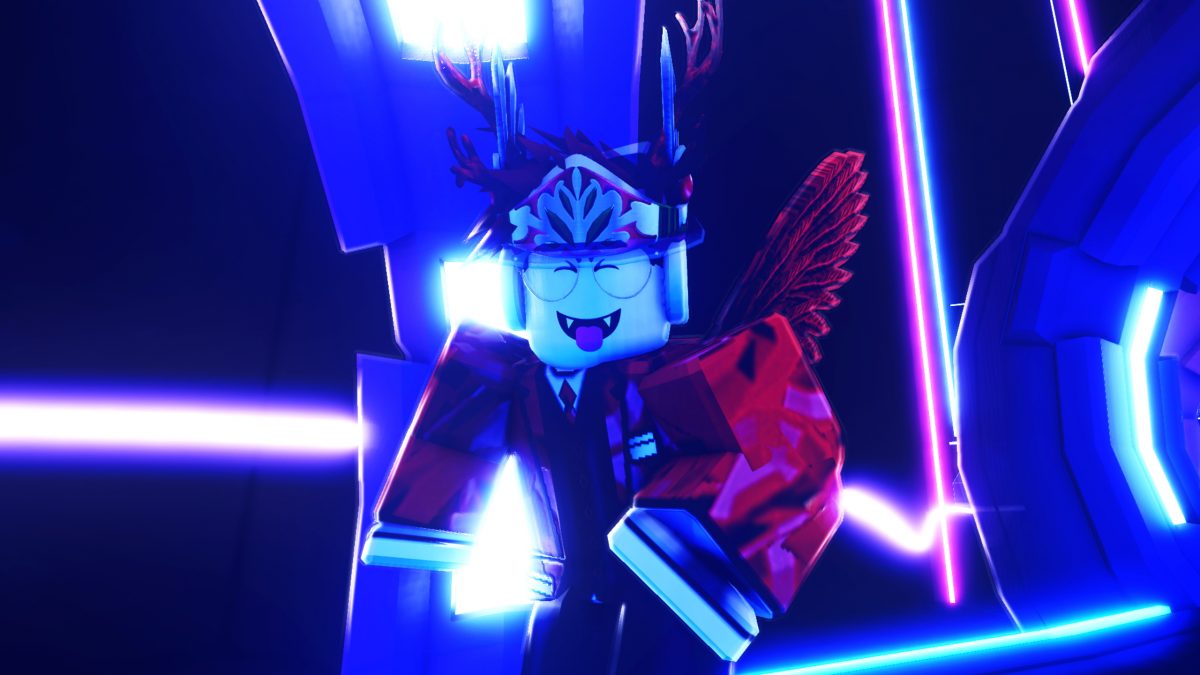
Emissive materials glow like they should. Adjustable intensity.
Real depth in outdoor scenes. Not a screen-space overlay.
Soft-edged, moving shadows tied to the actual light source.
Focus falls off naturally with distance. Works in first & third person.
Grab the archive from the Download button below and unzip anywhere.
In your browser's extensions page toggle "Developer Mode" on.
Click "Load unpacked" and pick the folder you unzipped.
Open Roblox and click the Rbxlabs icon in the browser toolbar.
Pulled straight from the Rbxlabs Discord and reviews inbox.
xX_ProBuilder_Xx✓
12.4K followers
"bro this made my baseplate look like a full movie set. installed in like 30 seconds and my brookhaven car looks INSANE"
 BloxxerKing2011✓
Studio dev · 340 places
BloxxerKing2011✓
Studio dev · 340 places
"the anime preset is actual fire. my avatar looks like a manga character now, i showed my discord and half of them installed it same day"
 PixelNinja_RBLX✓
45 followers
PixelNinja_RBLX✓
45 followers
"fps didnt even drop on my potato laptop. shadows actually feel real and the water looks so good"
 CookieCrumbs99✓
@cookiecrumbs99
CookieCrumbs99✓
@cookiecrumbs99
"was scared it would ban me but its just an overlay, been using it 2 months no issues at all"
 ObbyMasterYT✓
YouTube · 87K subs
ObbyMasterYT✓
YouTube · 87K subs
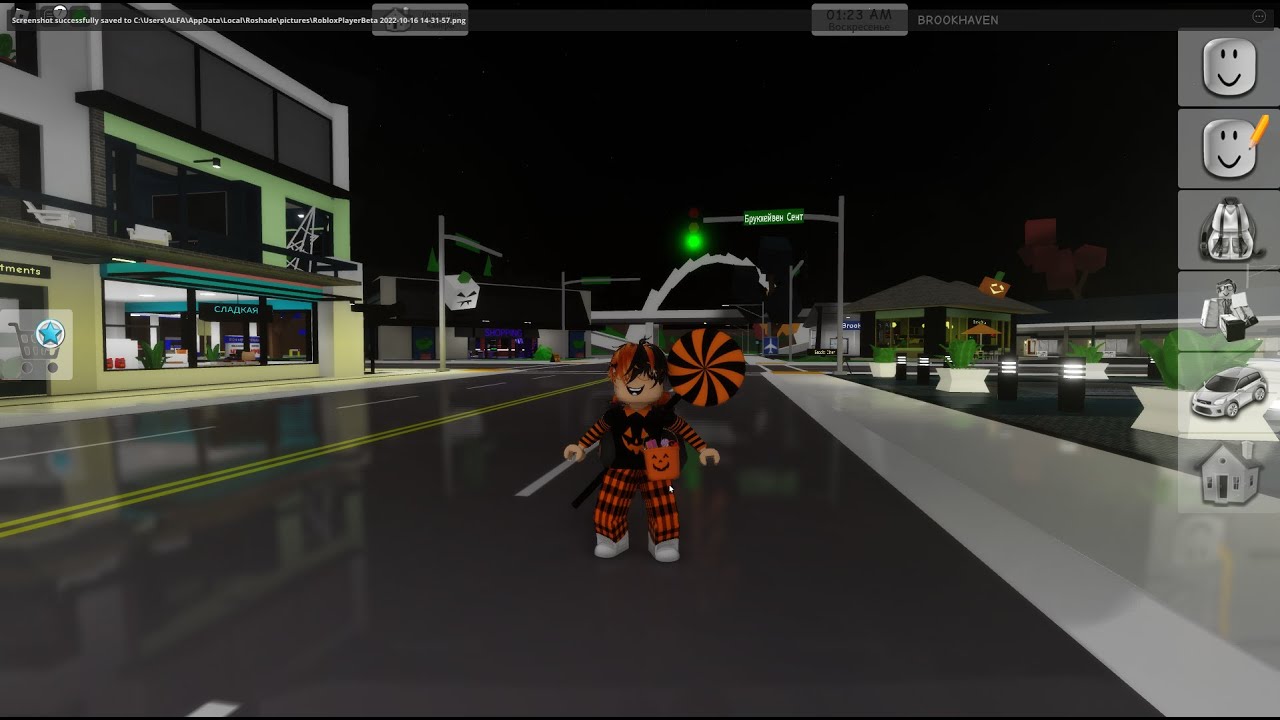
"recording obby vids became 10x better with the cinematic preset. thumbnails hit different now ngl"
 MidnightGamer4K✓
Verified creator
MidnightGamer4K✓
Verified creator
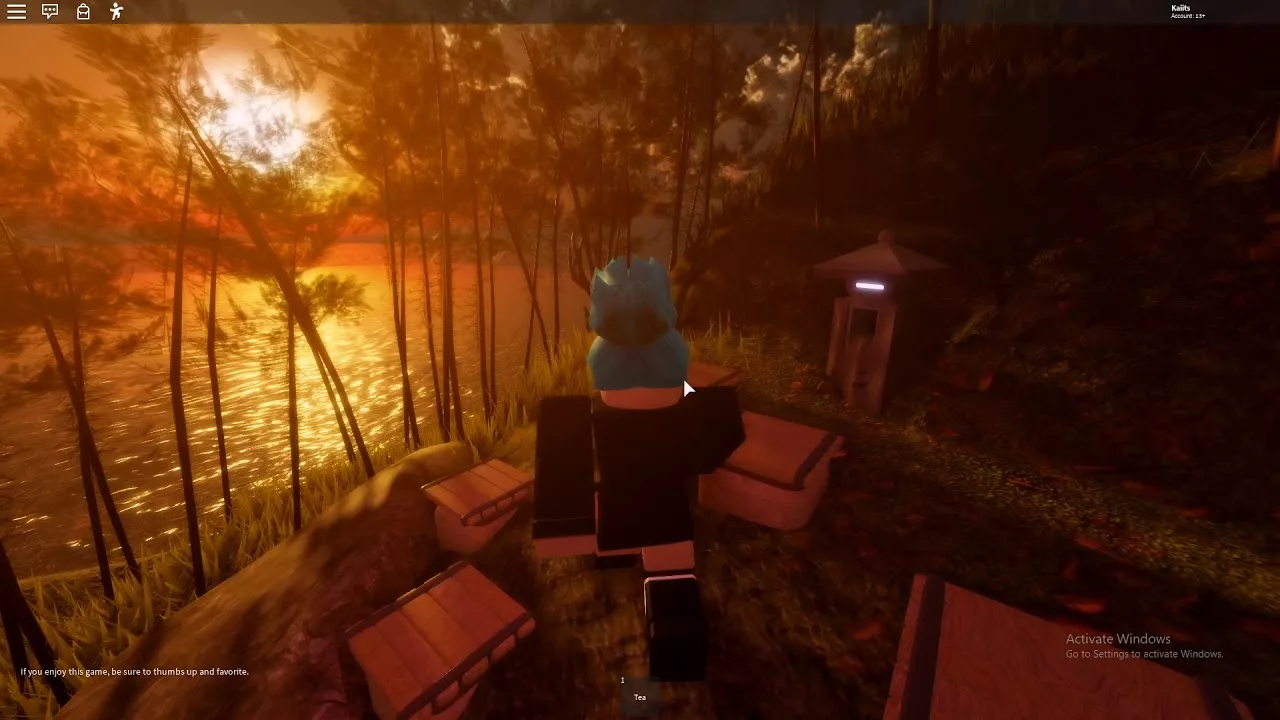
"i tried like 5 shader tools before rbxlabs. this one is the only one that didnt crash my game or ask for my password lol"
Windows installer. Runs on Windows 10 and 11.